Dex Protector
DexProtector is the protector and obfuscator for Android platform. It helps secure Android applications and Android libraries (AARs) against unauthorized or illegal use, reverse engineering, and cracking.
The technology keeps all known DEX decompilers and copy protection removal tools at bay. It also makes static and dynamic, manual and automatic code analysis and tampering much more difficult.
Add Dex Protector to Android Project
First of all download the latest dex protector enterprise version:
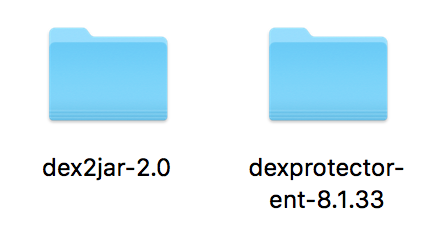
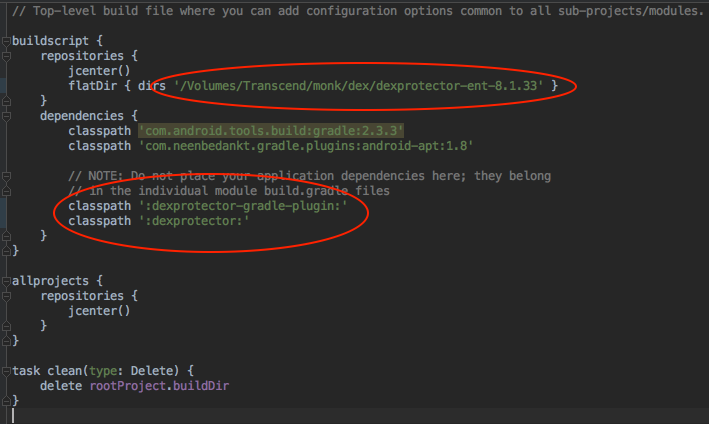
After that add root gradle file dexprotector-ent reference and on dependencies, dexprotector plugin classpath:
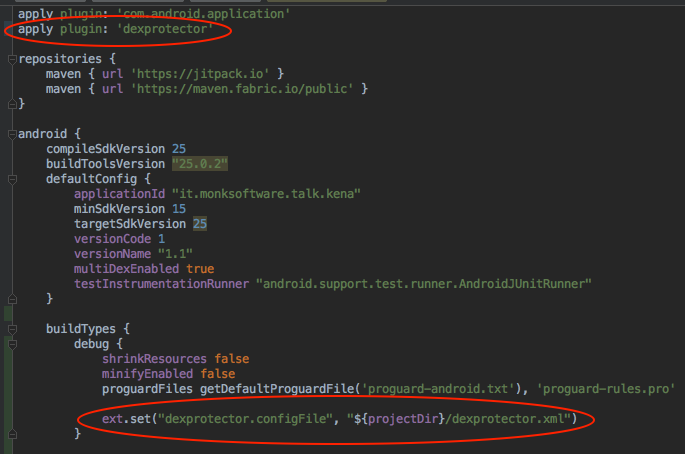
Locate app gradle file, apply plugin dexprotector and set dex configuration inside build types:
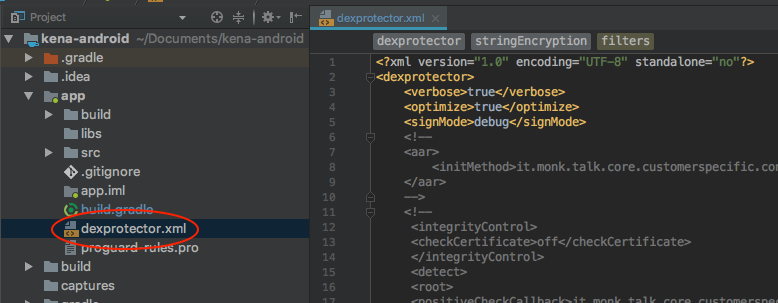
Finally add dex protector configuration file on project directory path as shown below:
Encrypt Apk
Method 1 (Recommended)
In order to build a protected APK file in Android Studio, launch Build > Generate Signed Apk
Method 2
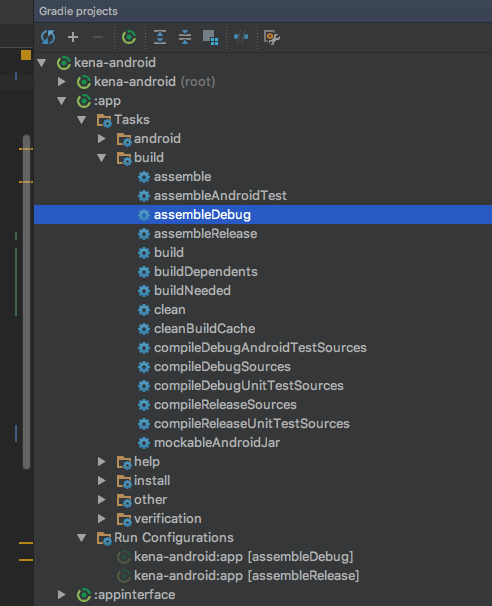
Locate Gradle projects, navigate on :app/Tasks/build/assemble (debug or release) and run it
Check Apk Encryption
Method 1 (fast and only android studio needed)
In Android Studio launch Build > Analyze APK… > Search and open the apk encrypted file
At the end of the analysis, locate the classes.dex and classes2.dex files and check if there are references to classes inside the library.
In the classes.dex file only the it.monksoftware.{PROJECTNAME}. ProtectedAppApplication class should be visible.
In the classes2.dex file, classes related to realm/tables will probably be visible
Method 2 (More accurate)
Download The Unarchiver program:

After that locate generated apk and decompile it using The Unarchiver program; you should see classes dex files:
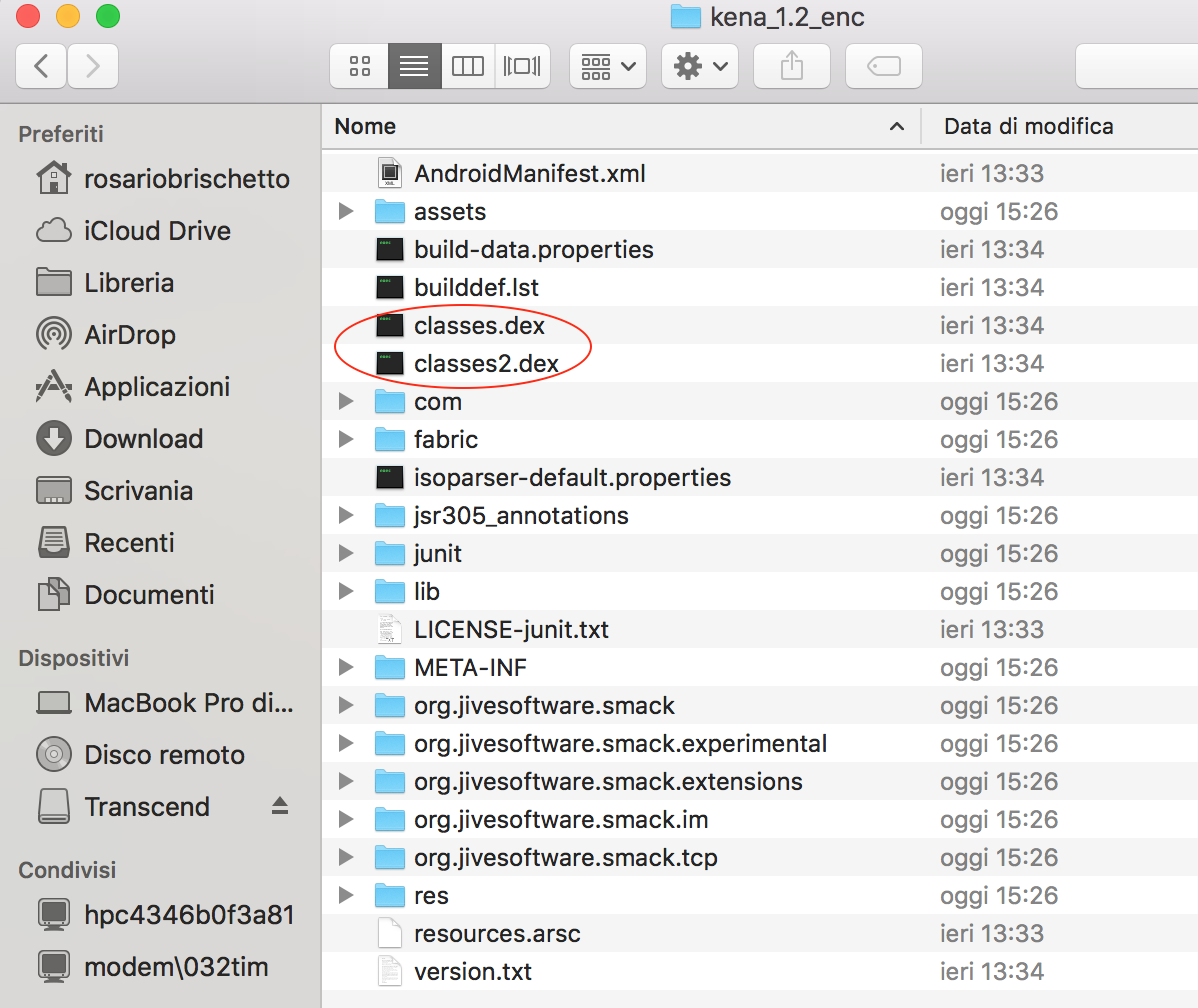
Than move classes dex files to dex2jar-2.0 folder previously downloaded:
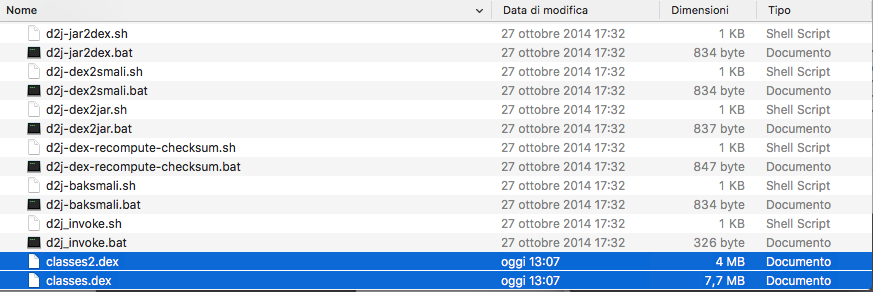
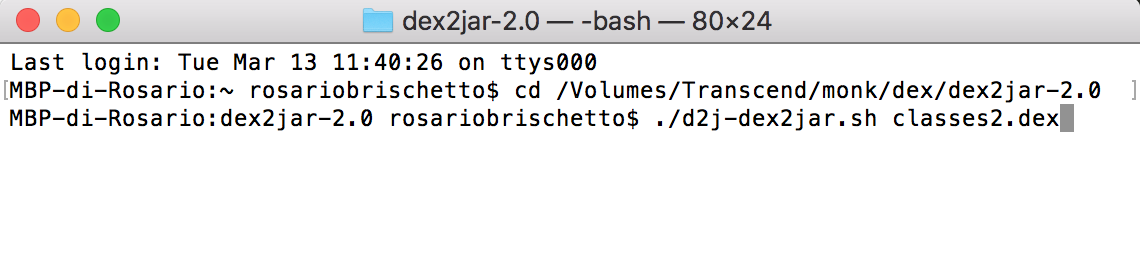
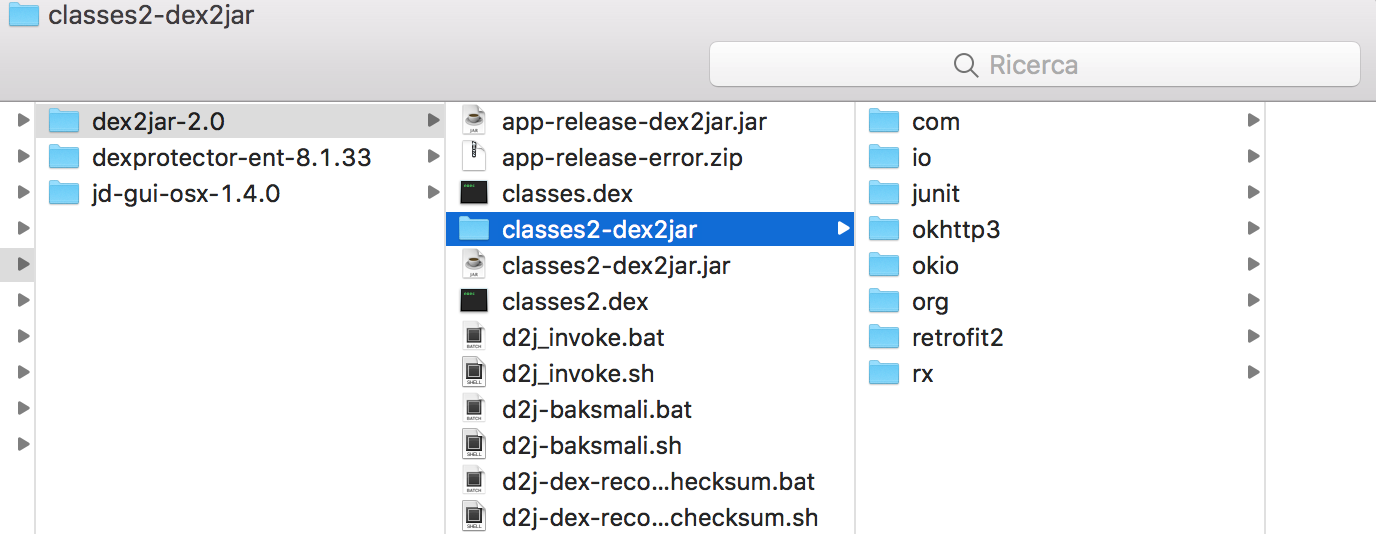
Finally run from terminal this command ./d2j-dex2jar.sh classes2.dex, decompile jar using The Unarchiver and than check if apk is correctly encrypted: